Project state stays local
Markdown notes, task files, drawings, diagrams, boards, flows, and local indexes live in the project folder. Flynt adds structure without taking ownership away from the filesystem.
Flynt is a project workspace for markdown, tasks, diagrams, saved views, and embedded Omegon agents — built around files you own.
0.13.0 adds selective Apple Notes migration on macOS, safer Markdown/frontmatter writes, unified visual-artifact opening, and a smaller validated distribution package for local-first work across Macs.
Markdown notes, task files, drawings, diagrams, boards, flows, and local indexes live in the project folder. Flynt adds structure without taking ownership away from the filesystem.
The agent panel runs a project-scoped ACP session with Flynt-native tools, runtime diagnostics, bounded stale-tool handling, and a dedicated Project → Omegon surface.
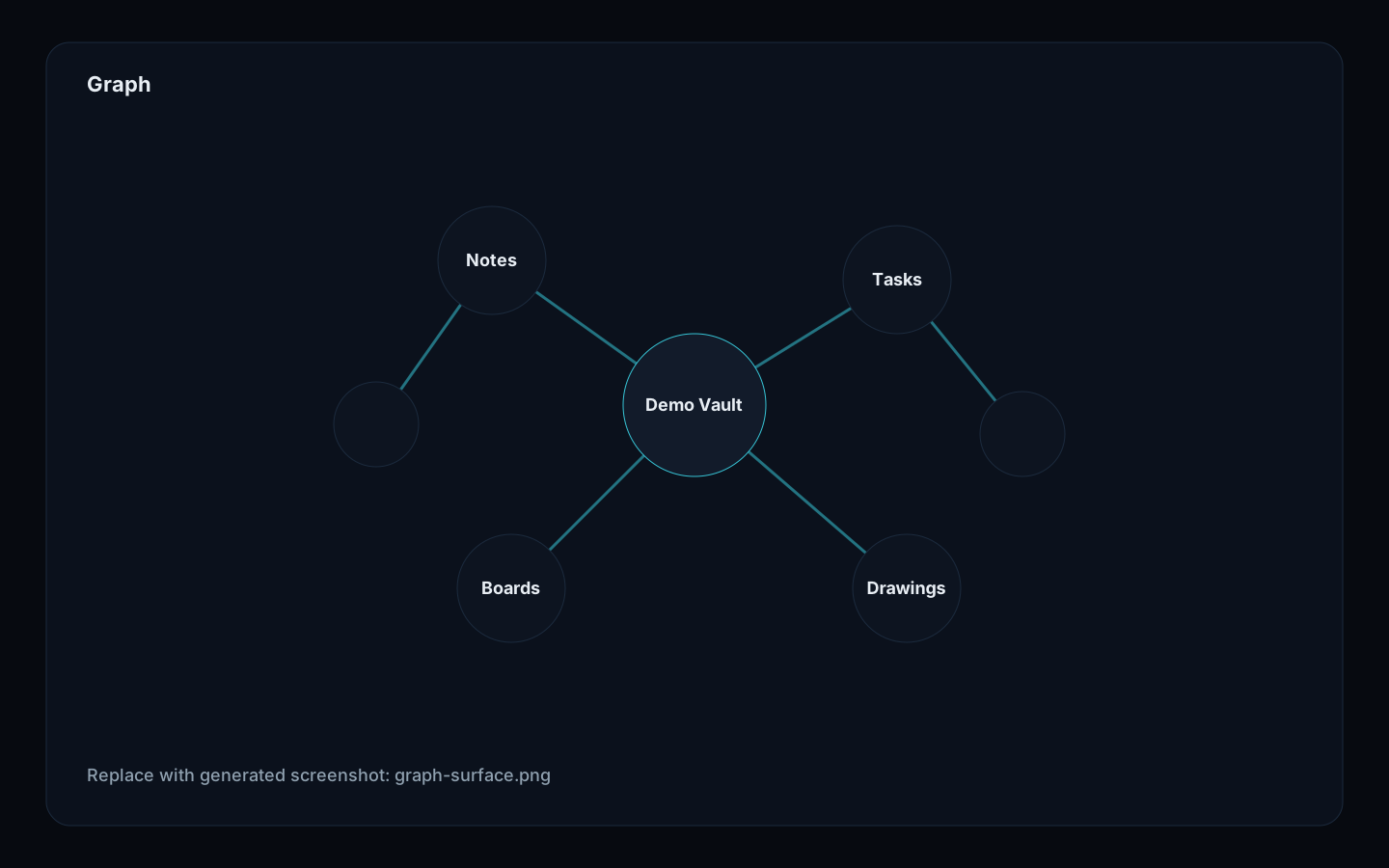
Write, Lenses, Graph, Tasks, Design, Terminal, and Omegon organize project work by intent while preserving plain files under the hood.
D2 diagrams, Excalidraw drawings, design boards, and flow graphs are treated as project artifacts instead of orphaned render files.
Tool calls, preflight state, session controls, and release diagnostics are visible. 0.13.0 adds a review-first Apple Notes migration path and tighter document-write, visual-artifact, and distribution boundaries.
Git-backed sync exists for local-first workflows, with safety hardening in progress. Flynt does not pretend sync is magic collaborative lockstep.