Project surfaces
Flynt presents one project through multiple surfaces instead of forcing every workflow into a file tree.
Project
- Write: markdown notes and text artifacts, with git-backed created/modified dates in the note header.
- Lenses: saved live project queries.
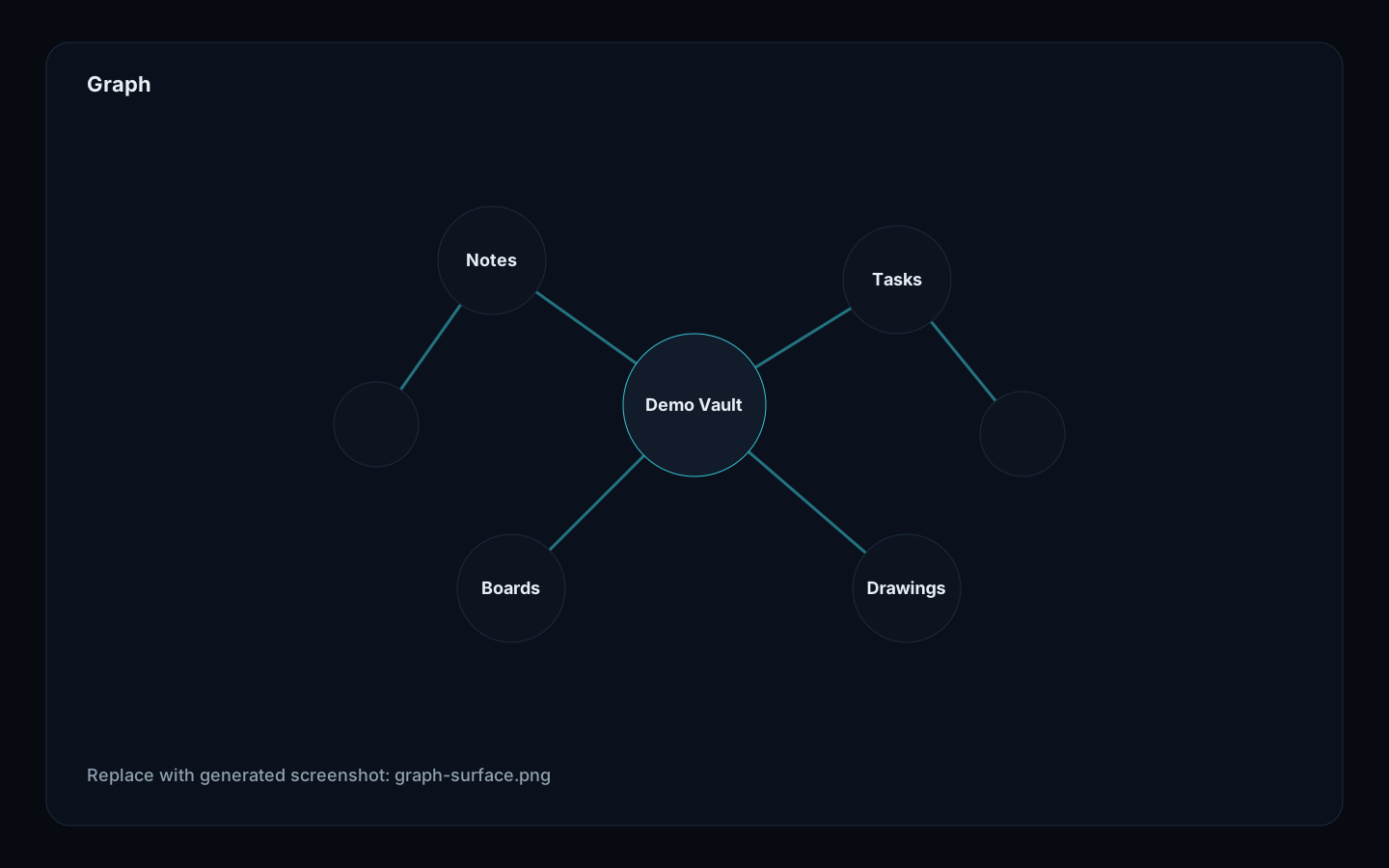
- Graph: document/task/project relationships. Huge graphs default to a bounded hub overview so the surface stays responsive.
- Omegon: project-local agent state and runtime artifacts.
Tasks
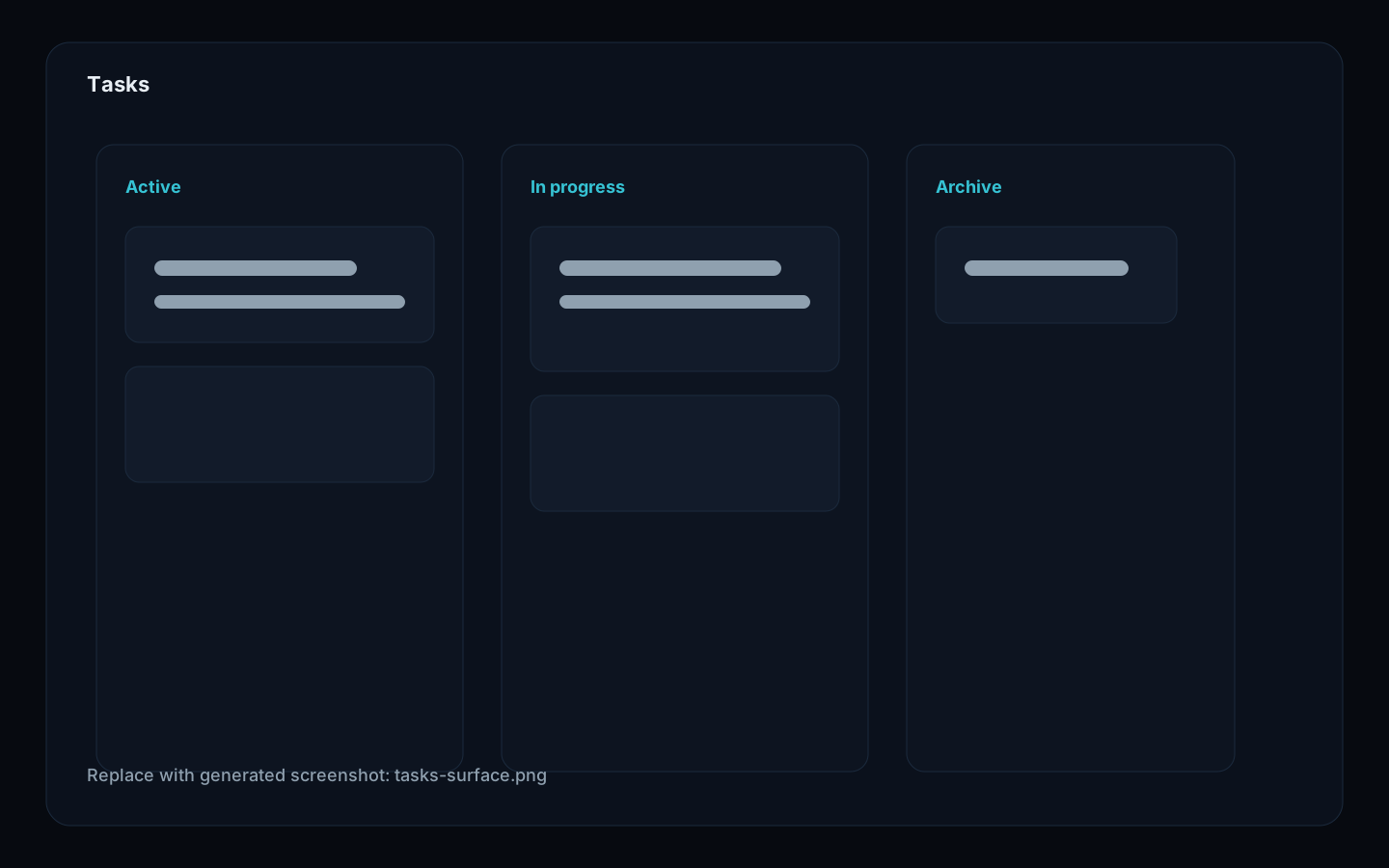
Kanban boards and task markdown are indexed into the project store so tasks are navigable project knowledge, not disconnected UI state.
Design and visual artifacts
Flynt supports Excalidraw drawings, D2 diagrams, design boards, and flow graphs. 0.12.8 bounds wrapper discovery to Flynt artifact folders so large repositories do not pay whole-repo scan costs just to open project surfaces.
Terminal
Terminal Lab keeps shell sessions inside the workspace. Agent terminal-backed tool calls are surfaced in the ACP panel when attached.
Demo vault screenshots
These images are controlled by the repository screenshot manifest. Placeholder SVGs keep the site layout stable until the demo-vault screenshot generator replaces them with captured app screenshots.